
Holiday Baking Blitz
November 3
$65
Promote your events more effectively with this add-on WordPress plugin for The Events Calendar. No coding required.
Great product, and no risk: 14-day money back guarantee, no questions asked.
Options to display only the events you want, the way you want to display them.
A WordPress plugin that works with your existing theme, right out of the box!
Add more than one listing or calendars of events on a single page.
Need help? Get answers to your questions straight from the developer, typically within a couple of hours!

I love this plug in. It did exactly what the Event's Calendar couldn't, and I now have a beautiful page detailing only upcoming events in an efficient and easy-to-peruse manner. This way my users don't have to click through a month-by-month view in an attempt to find upcoming events.
It also looks great in my widget sidebar.
I really appreciate what you've done Brian and wish you all the best

This helped me to extend “The Events Calendar” so that I can better display past events. Having past events for an event plugin is a no-brainer, but somehow “The Events Calendar” plugin didn’t think it was important enough to include, and this plugin extends this basic functionality perfectly.
With this plugin, you can add a block or a shortcode (which is just some text between [ and ]) on a page to display a list of your events. For example the shortcode to show next 8 events in the category "festival":
[ecs-list-events cat='festival' limit='8']You get full control over how your events are displayed, with no code required: choose to show your events in multiple layouts, with or without images, a registration link, calendar view, description, and metadata such as the venue location.
And you can even have multiple shortcodes per page. Plus, it works with the free version of The Events Calendar!
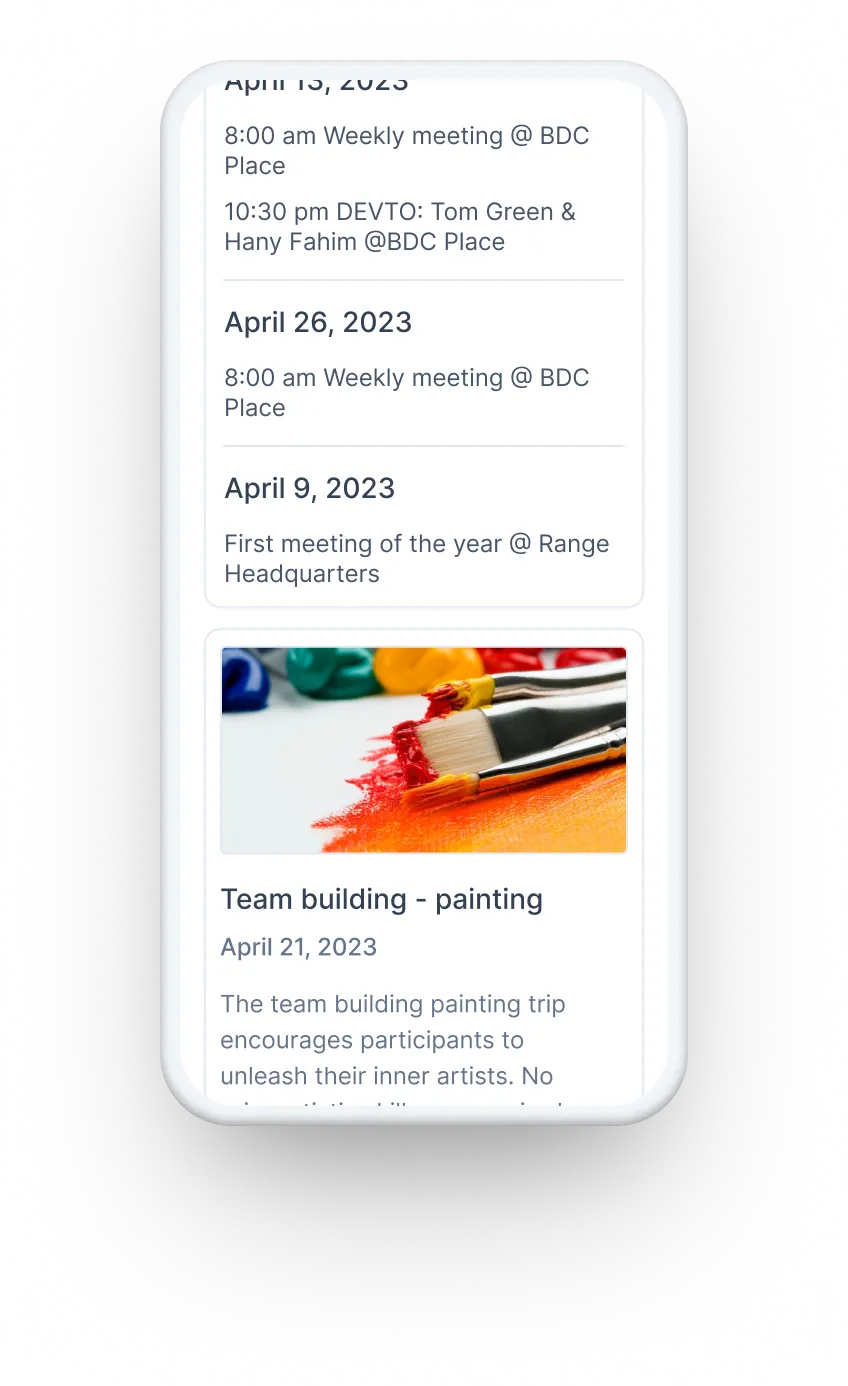
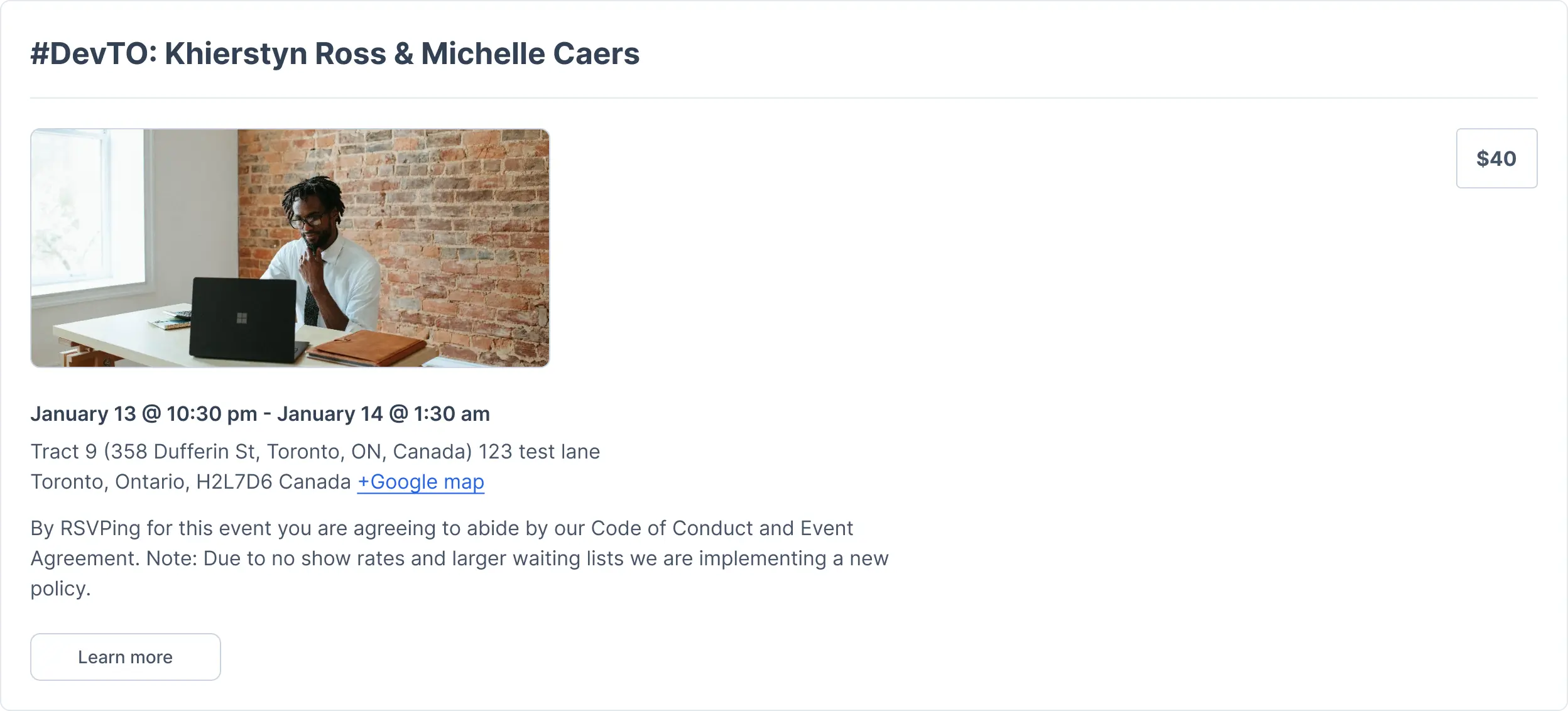
This is the default view, which outputs data from The Events Calendar plugin to show your most recent events in a list, with all information; including the time and location, map link, event description, price, and a button to click through to the full event.
Get your events to display in a compact design, with only the event date, title, and a link to find out more. Make your events fit when you're short on space!

Customize the compact design, adding extras such as event thumbnails and a registration button.

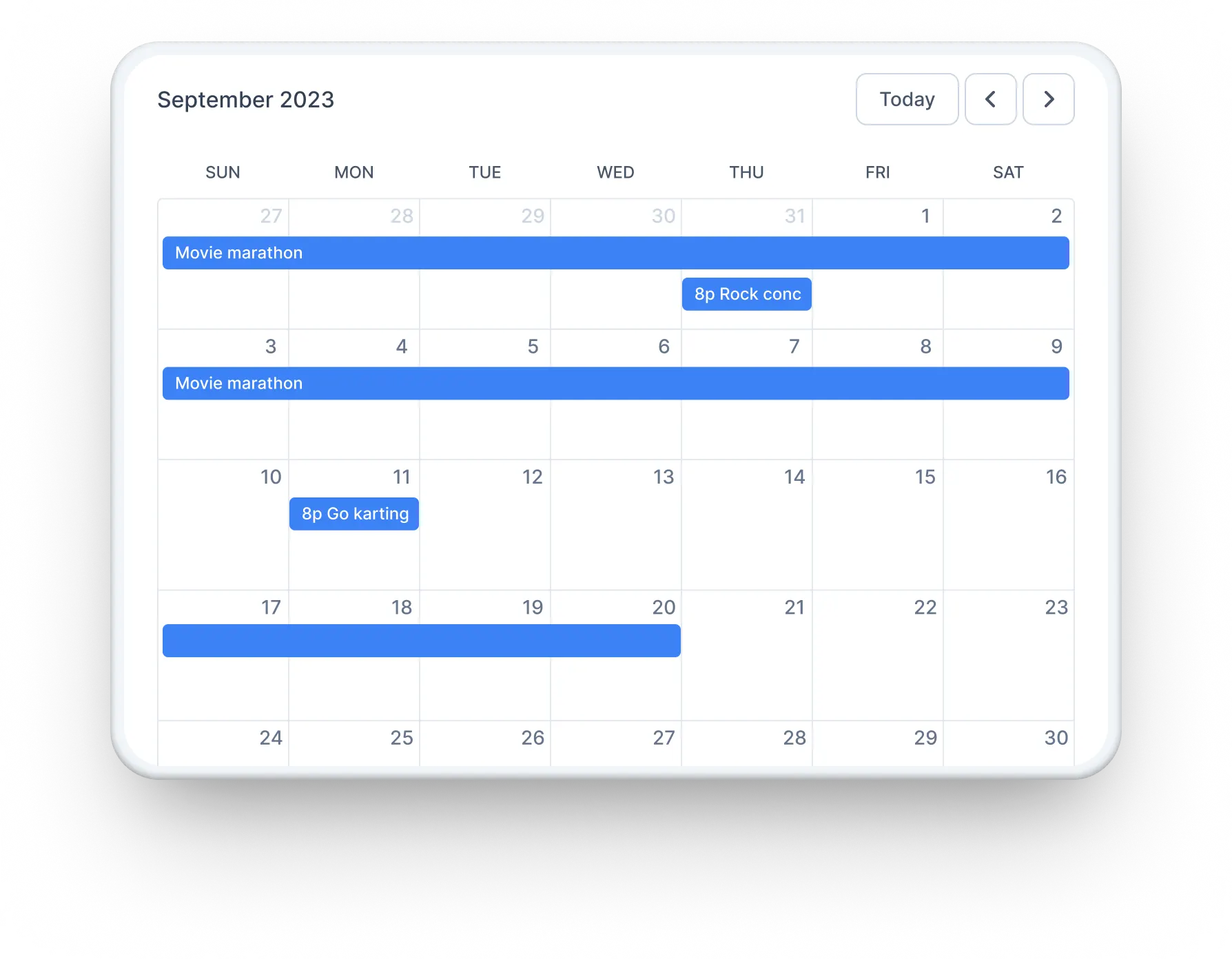
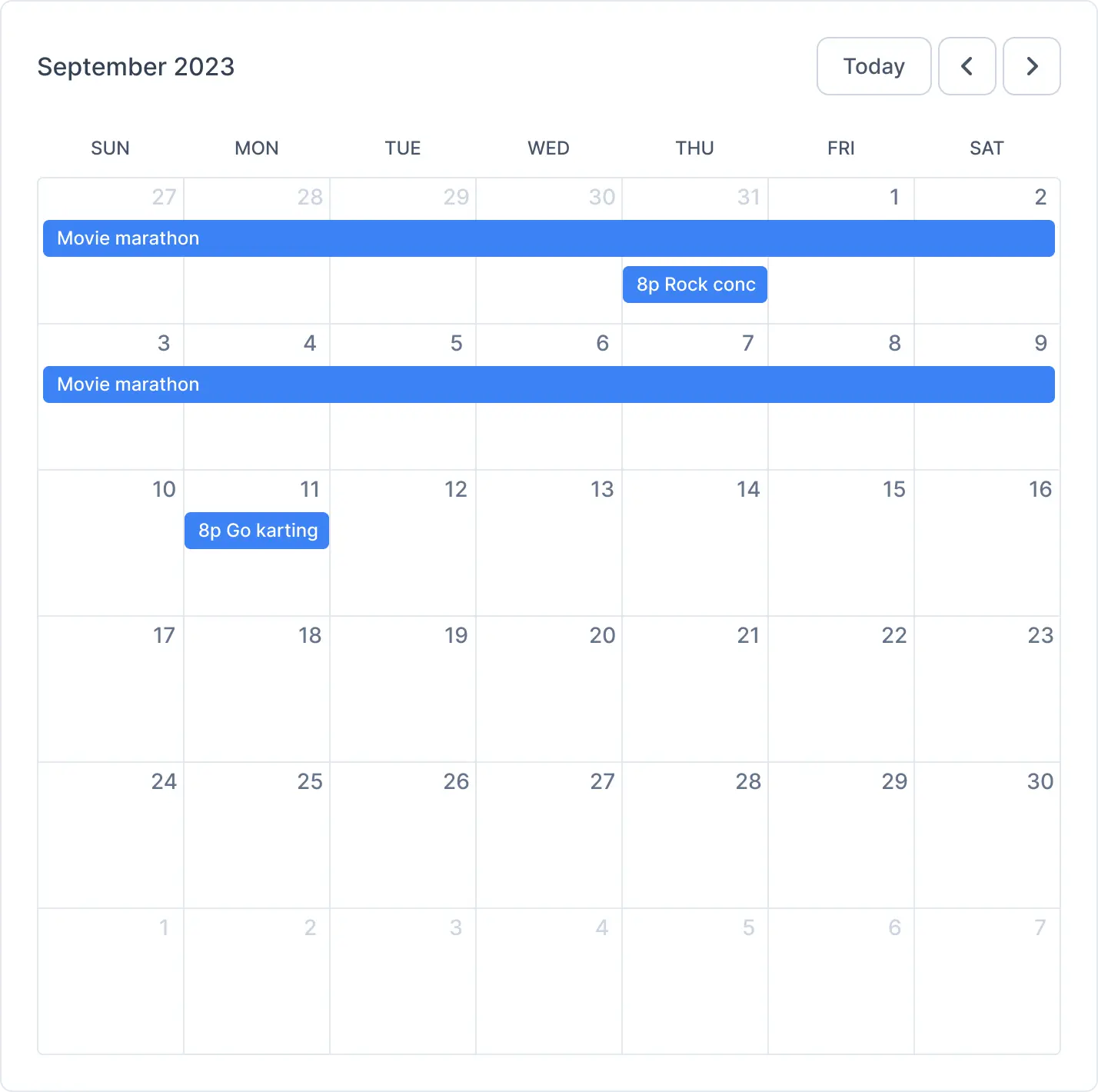
Get a calendar view for your events, showing the events on each day with a hover-over for extra information. Visitors can click on any event for more information.
Choose a column-based design with images, dates, and a short description.
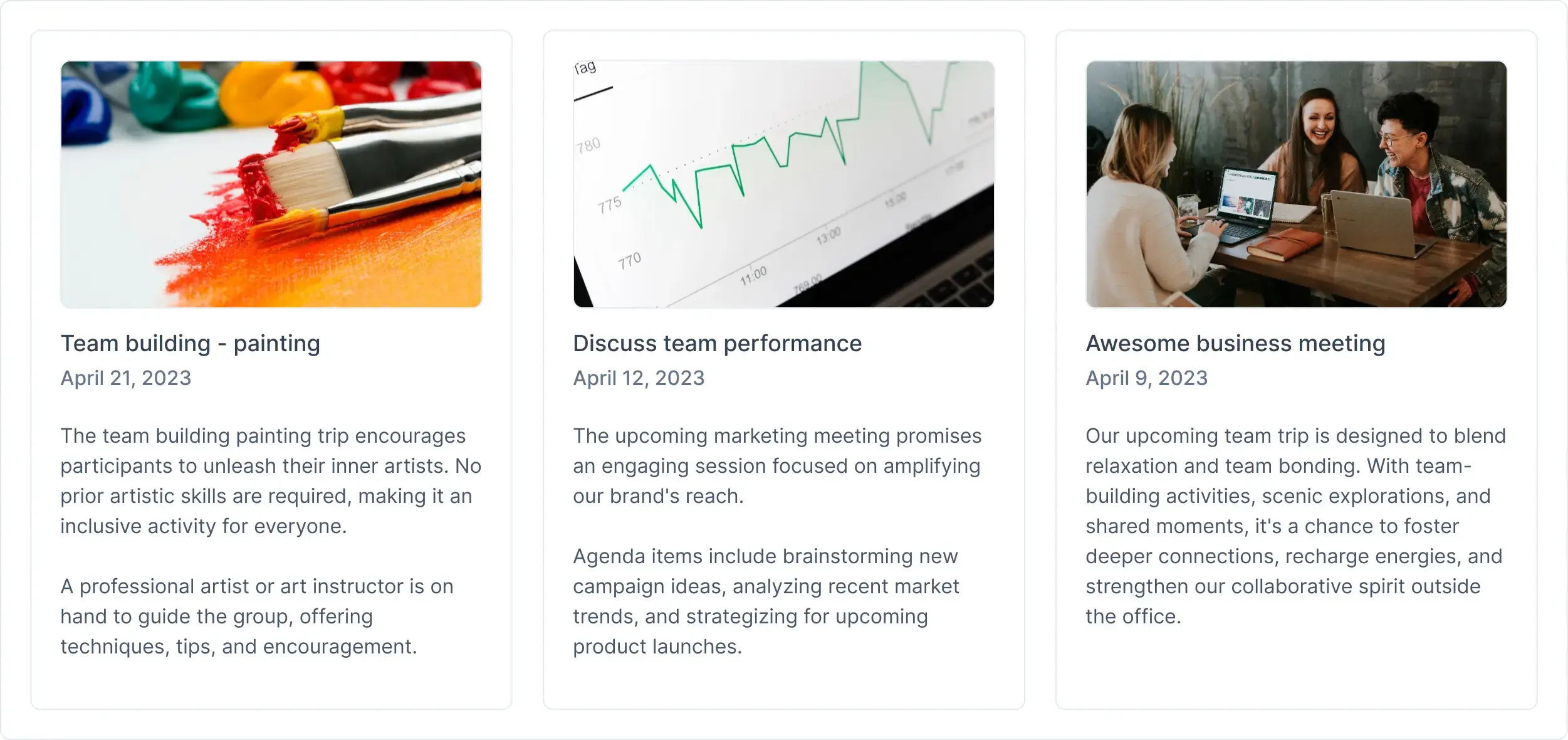
You can group events happening on the same date together, perfect for a busy schedule.
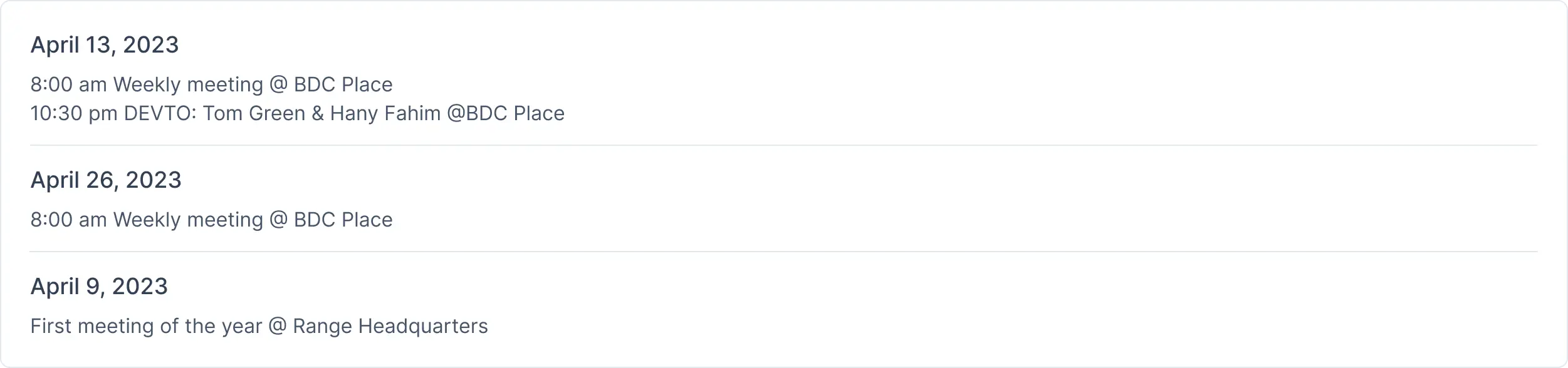
Turn almost any design into a slider that shows one event at a time and automatically flips to the next. Perfect for promoting events in a sidebar or a small space on your homepage.
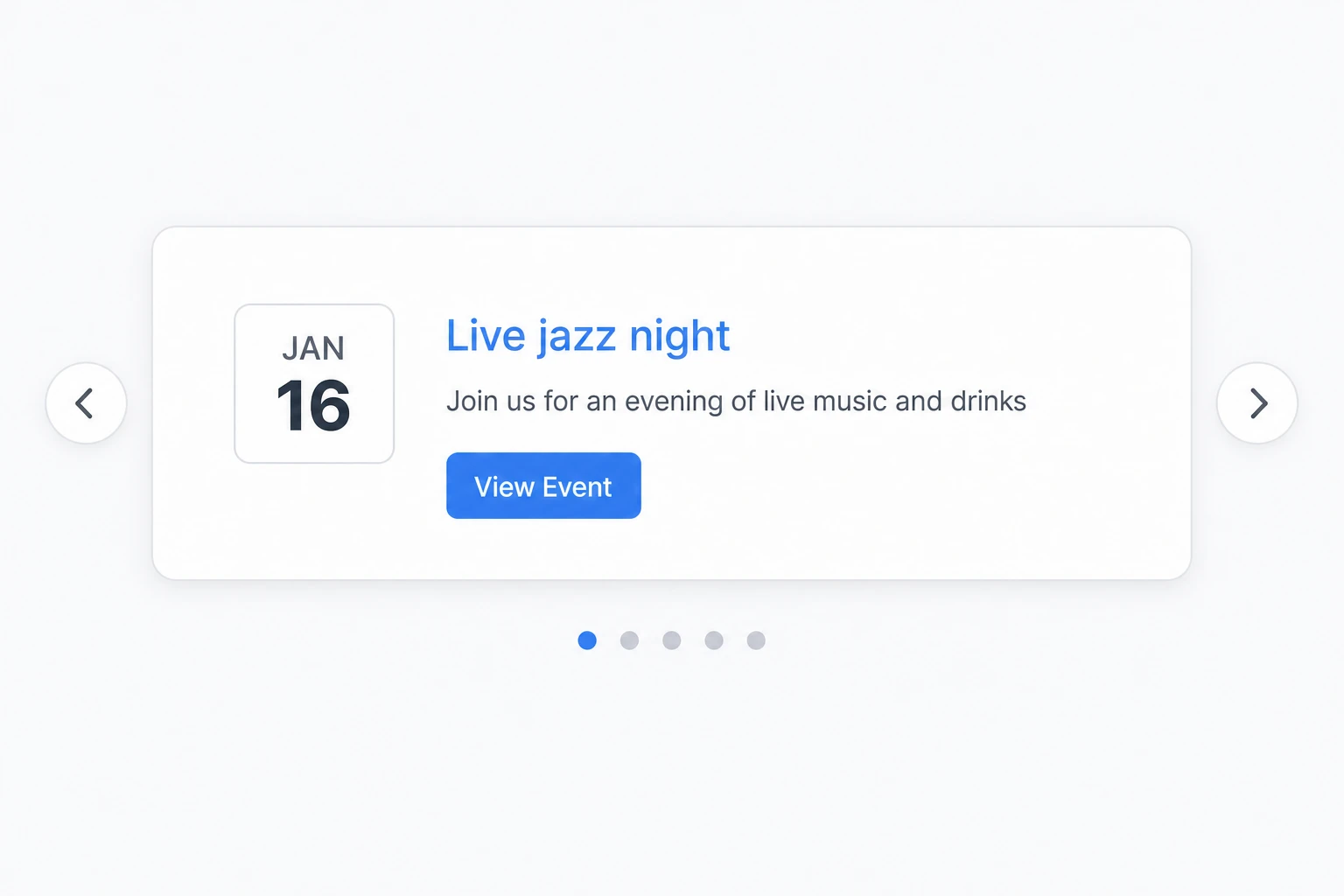
Display your upcoming events as pins on an interactive map. Visitors can click a pin to see the event title, date, and venue, with a link to the full event. Works out of the box with OpenStreetMap — no API key required — or with Google Maps if you have an API key.
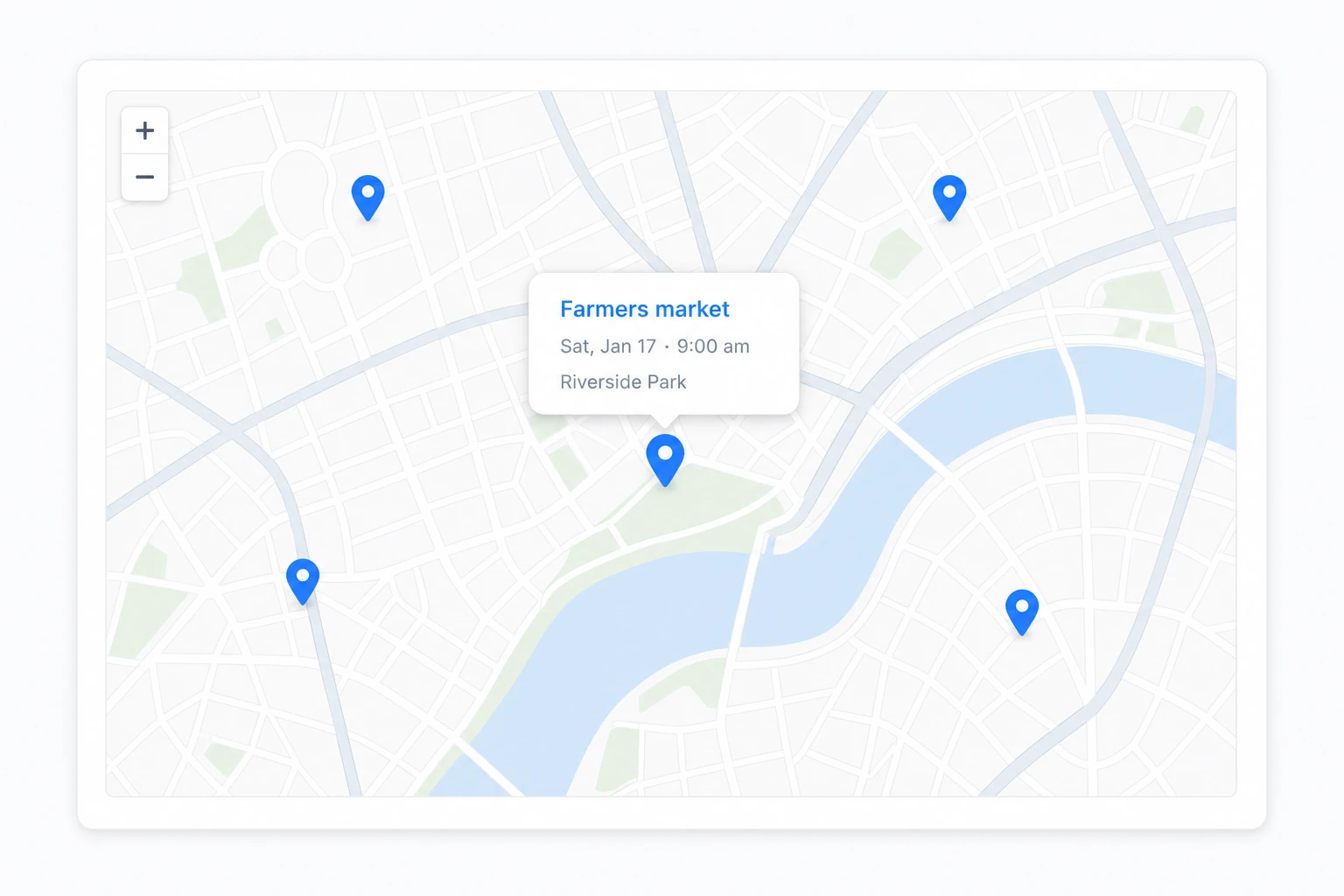
Use the category colors you've already set in The Events Calendar, so visitors can see at a glance what type of event it is. Calendar events get the category's background, border, and text colors, while the list, compact, grouped, and column designs get a matching color accent. Turn it on for your whole site with one checkbox, or for a single calendar.
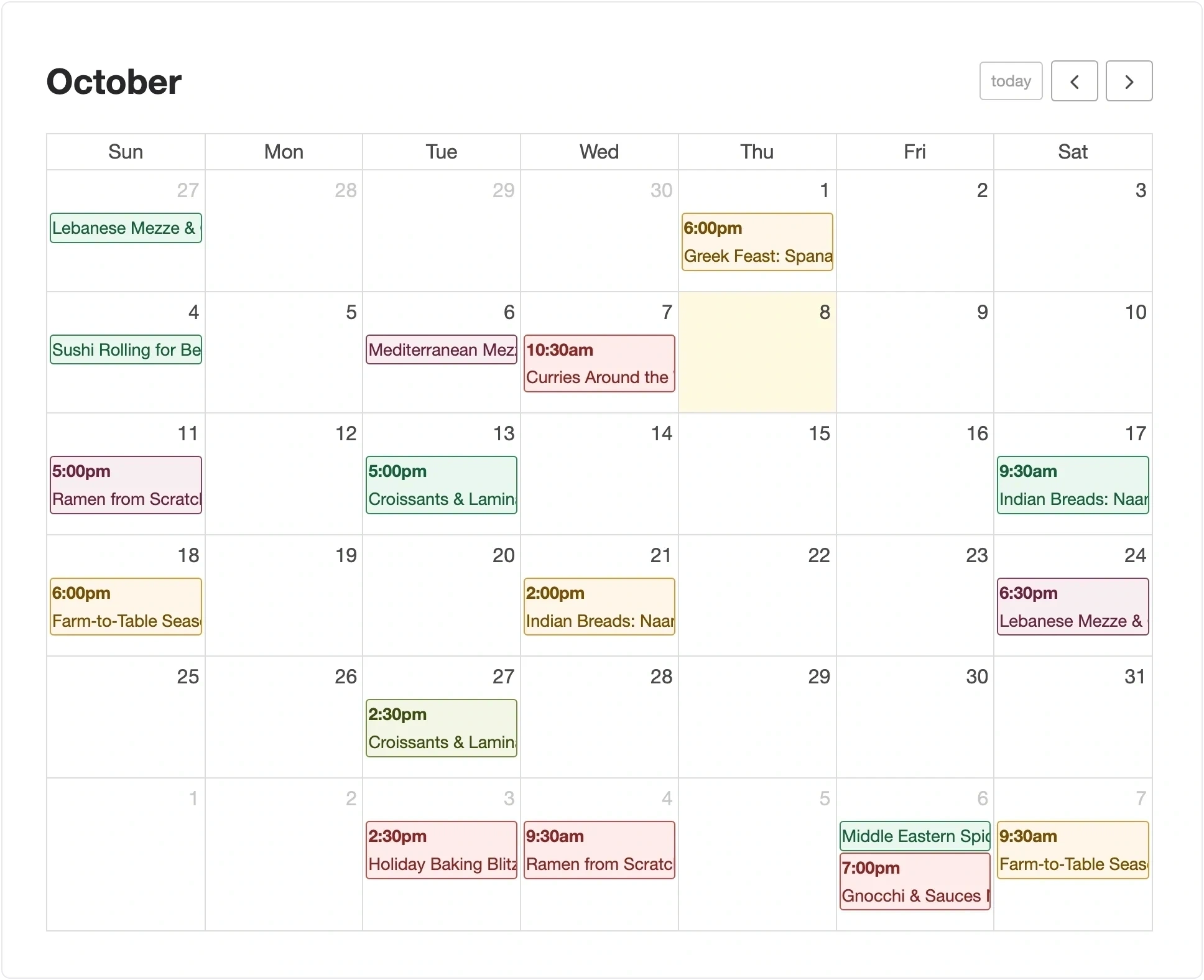
Customize your event views. Use shortcode variables or template files to display only the event details you need, exactly how you want. Supports data from Advanced Custom Fields (ACF) and Additional Fields.
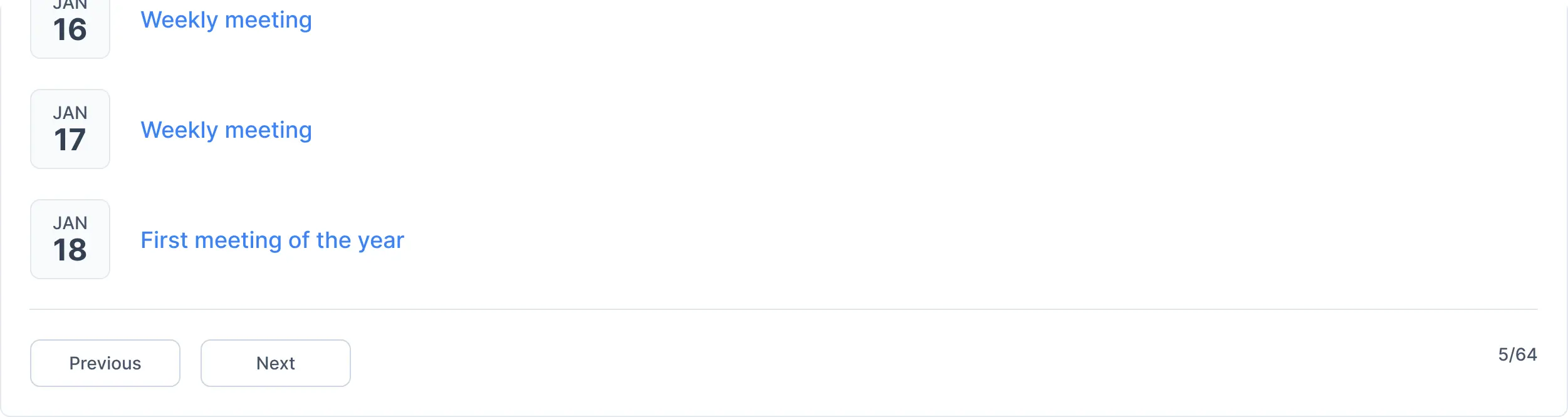
Get previous and next links, letting your visitors view more events without loading too many events at once.
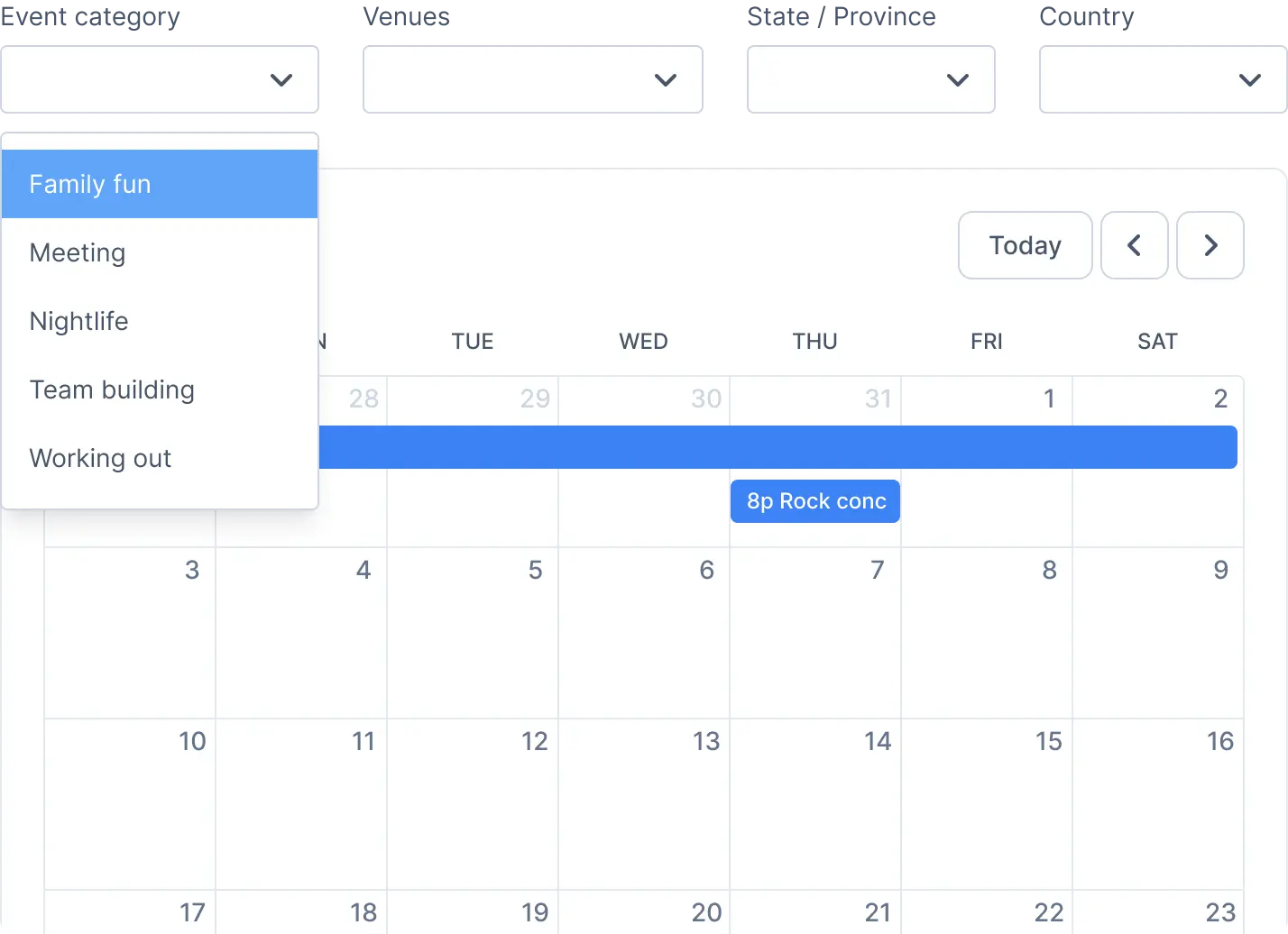
Let your visitors use a filter bar to search for events by category, tag, venue, location, and date.
Make it easy for visitors to find the events they want. You can add multiple listings of events on a page, wherever you need it!
Show a list of your upcoming events
Show your past events in a listing
Filter events listed by one or more categories
Filter events listed by one or more tags
Show only events for a specific month, or the next/current month
Show only events for a specific year
Only show the first instance of a recurring event
Choose how many days to show events, ie. 1 day or a week
Show events from a specific date, ie. 2027-04-15
Show events between certain dates
Show only events marked as "featured"
Hide events that are sold out, when using the Event Tickets add-on
List the details of a single event by ID, for example on a blog post
The total number of events to show in the list
Skip a certain number of events from the beginning, useful for using multiple shortcodes on the same page or splitting into columns.
Display events by city, state/province, and country
Show events added by a certain user on your site
Filter by fields you've added using The Events Calendar PRO or Advanced Custom Fields
Display related events in the same series anywhere, so visitors can quickly find them
Show only the details you want for each event, with options to customize how they're displayed. No coding required.
Show some or all of the event title, thumbnail image, excerpt (short description), date and venue
Use the full description instead of the excerpt (short description) of an event in the listing
Display the cost of the event next to the title
Add an easy to see button for each event, and change the colors and text
Color-code events using the category colors from The Events Calendar
Specify the size of the image in your event listing
List the events in ascending or descending order by the event date
Specify the message if there are no events
Show only the start time of the event
Choose from a number of beautiful designs for your events, or customize and create your own!
This is the default design if you don’t specify another one. Good for a list view within a post or a page.
See ExamplesA smaller design great for showing more events in a smaller space, and easily seeing the date on the side. There are a number of options to customize what is displayed and you can combine more than one option at a time.
See ExamplesSplit events into columns so they’re easy to read and visually appealing. Looks great when events have photos (featured images) but works either way. The rows flow into each other in a Pinterest-style design.
See ExamplesThe grouped design lets you show many events in the same day, grouped together with the date (or month) as the header.
See ExamplesTurn almost any design into a rotating slider, showing one event at a time and automatically flipping to the next.
See ExamplesShow your events as pins on an interactive map, with a popup for each event. No API key required.
See ExamplesColor-code your calendar and event listings using the category colors you've set in The Events Calendar.
See ExamplesAdd a filter bar to the top of the calendar to let visitors refine what events are displayed!
See ExamplesCustomize the existing designs using shortcode variables, or by placing one or more templates in your theme folder
View DetailsInstant Download. Includes Filter Bar. 14-Day Money Back Guarantee.
* Licenses will automatically renew one calendar year after purchase. This can be cancelled at any time. Pricing in USD.

If for any reason you are not happy with our product or service, simply let us know within 14 days of your purchase and we'll refund 100% of your money. No questions asked.

Yes! This plugin works with either the free or pro version of The Events Calendar plugin to show the events you want anywhere on your site.
Yes! After purchase you'll get a license key, which will allow you to have automatic update checks, just like any other WordPress plugin.You'll also want to keep The Event Calendar plugin updated at the same time.
Yes! You have full control over the specific events displayed, and can filter events by more than 30 different criteria. We have all the basics covered, and even advanced features such as hiding sold-out events, hiding recurring events (only showing the first instance), and filtering by additional fields. You can find all details on our documentation, here.
Yes! You can choose from 11 designs – from compact, to calendar view, to columns, to a map – or make your own. You can also color-code events using the category colors from The Events Calendar. You'll find a full list, including examples, in our documentation here.
Yes! In addition to parameters such as event description, price, and a ticket link/call to action, you can also fully customize the template files or use shortcode variables in the shortcode itself. You'll find full details in our documentation here.
Yes! We offer email support to all licensed customers.
If you can’t find the answer to your question in our support documentation, you can send us a support request. We believe customer support is key and we’ll do our very best to help resolve your issue as quickly as possible.
We aim to answer all support requests within a 24-hour period during regular business hours. Our hours are Monday through Friday, 9:00am to 5:00pm EST (eastern standard time), excluding recognized U.S. and Canadian holidays.
Note that free support is provided for our free plugins through the wordpress.org forums, but there may be a bit of a delay from our team there as priority support is given to our licensed customers.
Yes. This helps keep your license active without the need to re-purchase in a year after you notice that automatic updates stopped working and a critical bug fix was needed or your access to priority support is gone. However, the recurring payment can be canceled at any time, and if cancelled your license will stay active until the end of the term paid.
Login to your account on this site to view your orders, downloads, licenses and site activations.
Yes, you can upgrade for the difference in price between the two licenses. Open a support ticket and let us know you'd like to upgrade or view available upgrades in your account.
A site is any URL (even a subdomain) that you install WordPress on. If you’re building client sites, you can purchase a multiple site license or purchase an appropriate license for each client.
We currently accept all major Credit Cards: Visa, MasterCard, American Express, plus PayPal.
Yes we do! We stand behind the quality of our product and will refund 100% of your money within 14 days of purchase if you are unhappy with the plugin.
Yes! Contact us here for any other pre-sale or general questions, see the plugin in action in our demos, or view more details in the documentation.
Note: This plugin is not developed by or affiliated with The Events Calendar or Stellar WP (makers of The Events Calendar) in any way.