Create engaging event newsletters
Pick the events, preview the newsletter, and drop it into the email you already send.
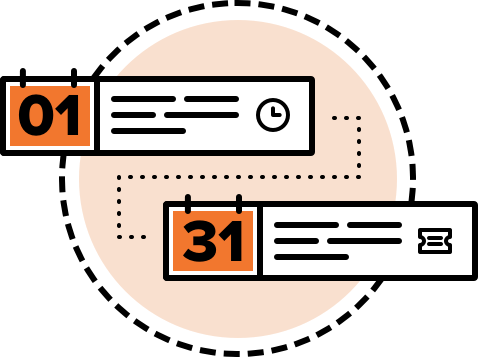
- Select events from 1 day to 12 months
- Choose a duration for your newsletter, or use a custom date range instead.
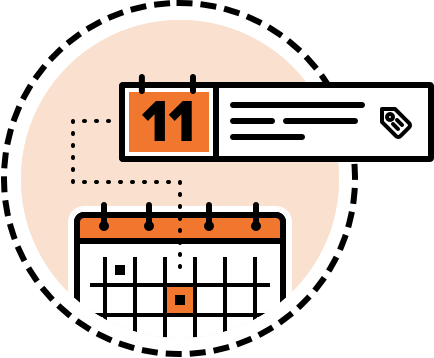
- Choose events by category, tag, or calendar
- Add only the events that belong in that newsletter.
- Generate, preview, and copy
- Generate your newsletter, preview it in real time, and copy it into your email.
- Create multiple templates
- Save templates for recurring email newsletters so you are not starting from scratch.
- Start from a design, or build your own
- Choose a ready-to-go design, or create your own visual or HTML template with only the details you need. Multiple-column layouts are included with the Developer and Agency licenses.
- Group events for readability
- Create event groupings so a long list is easier to scan.
- Insert events into your email tool
- Automatically insert events into supported platforms like Mailchimp, MailPoet, and Active Campaign.
Works with the WordPress event calendars you use
Event Calendar Newsletter uses the events from your calendar plugin. You'll need one of these on your site. Many of them are free.
- The Events Calendar · by Nexcess, formerly Modern Tribe
- All-in-One Event Calendar · by Time.ly
- Eventum · theme by Templatic
- Church Content · with a supported theme
- The Events Calendar Pro
- Events Manager
- Events Organiser
- Simple Calendar
- EventON
- Calendarize it!
- Event Espresso
- Modern Events Calendar
- GeoDirectory Events
Use another calendar? Send a request.
Send with your email marketing tool
Event Calendar Newsletter does not send email. It creates the list of events for you to copy into your newsletter. On supported platforms it can add upcoming events for you.
- Mailchimp
- Active Campaign
- MailPoet (WordPress plugin)
- Newsletter (WordPress plugin)
- Drip (from LeadPages)
- AWeber
Use another email program? Send a request.
Support that comes from the developer
Questions go to a person who works on the plugin, not a ticket queue that has never seen your calendar.
I searched for a long time to find a solution to create a Mailchimp upcoming events newsletter. Also, your support is superior to any other plugin I've worked with.

Dale Norenberg
Dodge County Fair Association