The font for the Filter Bar option of The Events Calendar Shortcode & Block is normally pulled from the site. However, you might still want to customize the particular font used along with the colours used in the dropdown.
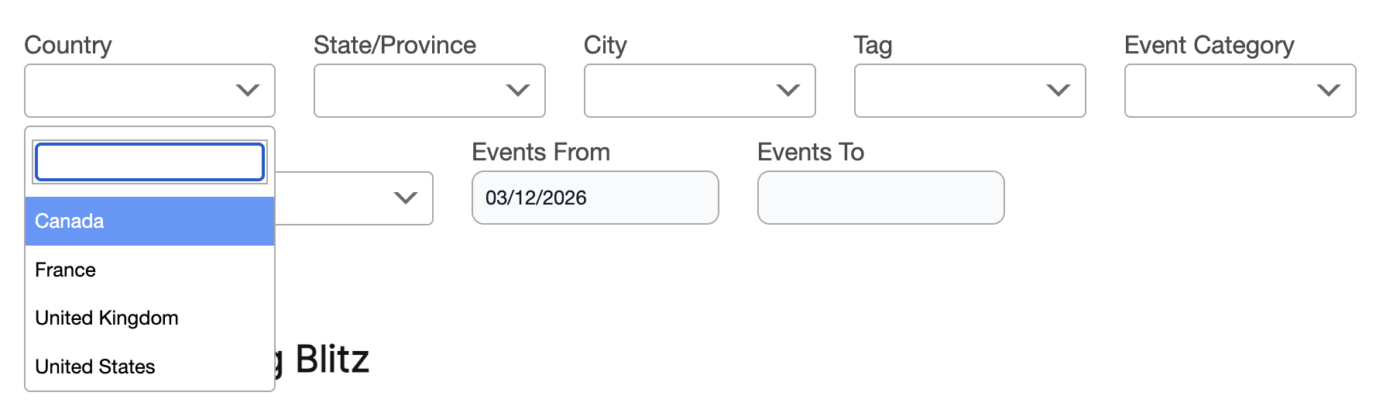
This can be accomplished using a bit of styling or CSS (Cascading Style Sheets). To change the font:
.select2-container.tecs {
    font-family: Arial, sans-serif;
}
To change the colour of selected and non-selected items:
.select2-container.tecs .select2-results__option {
    color: black;
}
.select2-container.tecs .select2-results__option--highlighted[aria-selected] {
    background-color: pink;
    color: black;
}
Our article on adding styling (CSS) to your site can help get this styling added to your site.
